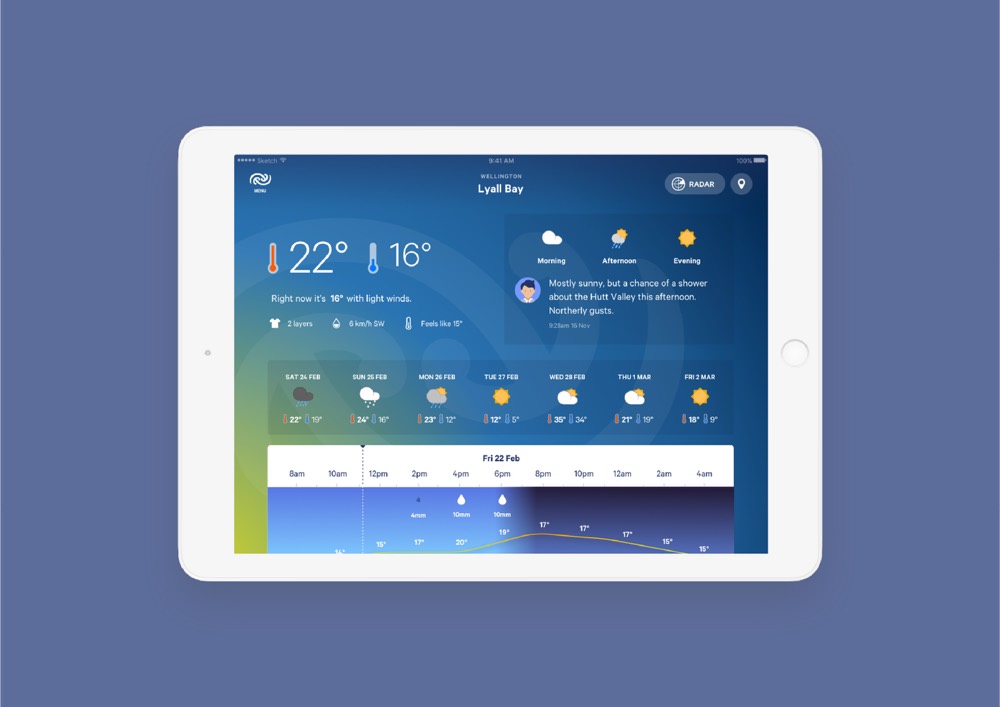
Metservice: weather for everyone
Metservice's app and website are among the most used in New Zealand. The challenge was presenting genuinely complex scientific weather data in a format that stayed appealing and easy to understand, for absolutely everyone who opened it.
- Client
- Metservice
- Role
- Digital Strategy
UX Design
Creative Direction - Recognition
- Bronze Pin at Best Design Awards
Good Design Award
Webby Honoree
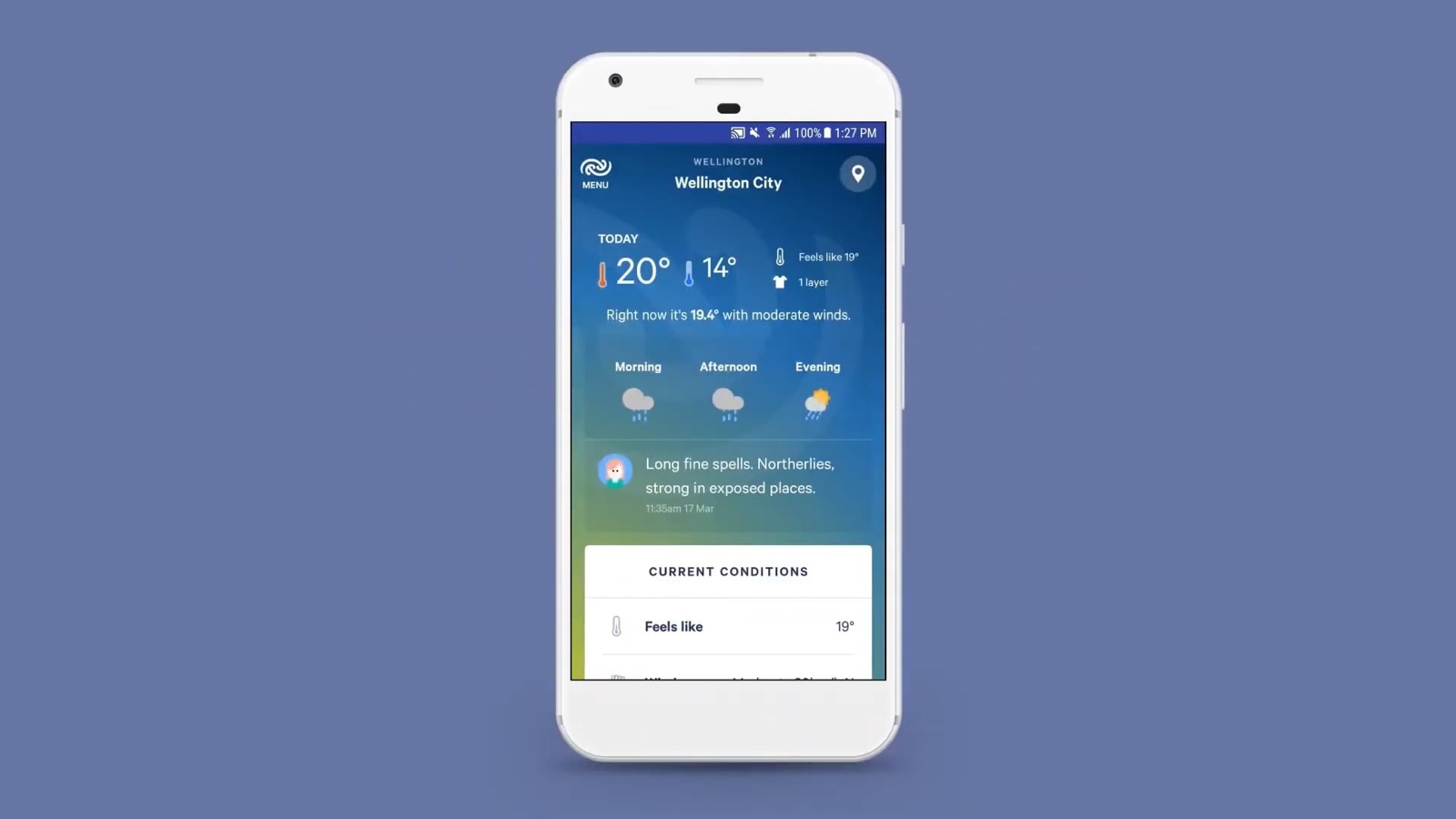 Play video: Metservice case study
Design system
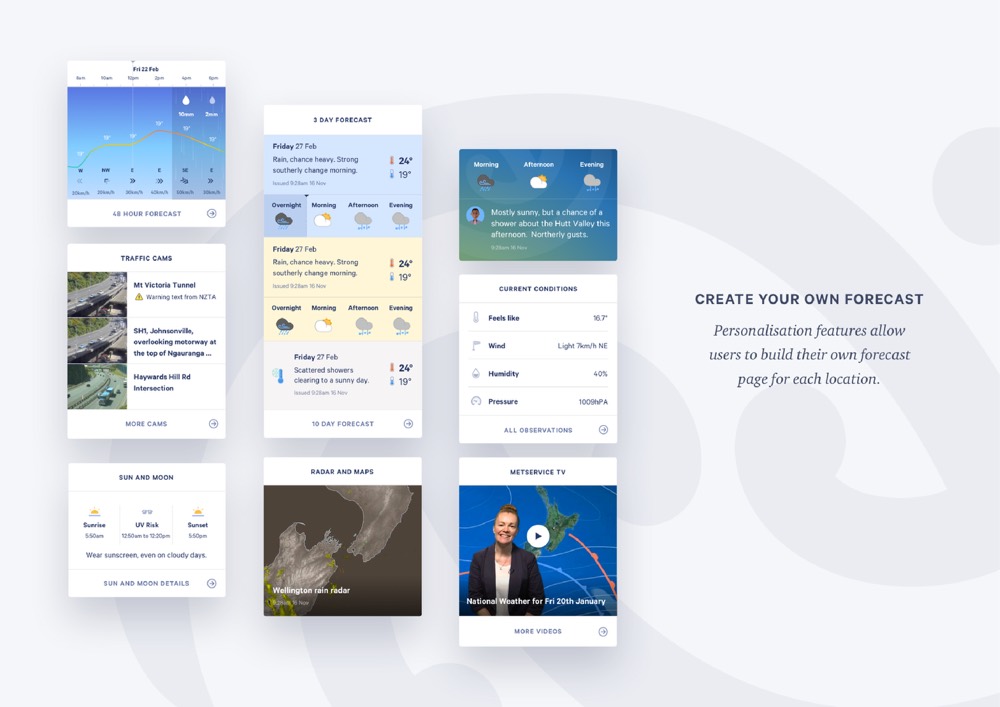
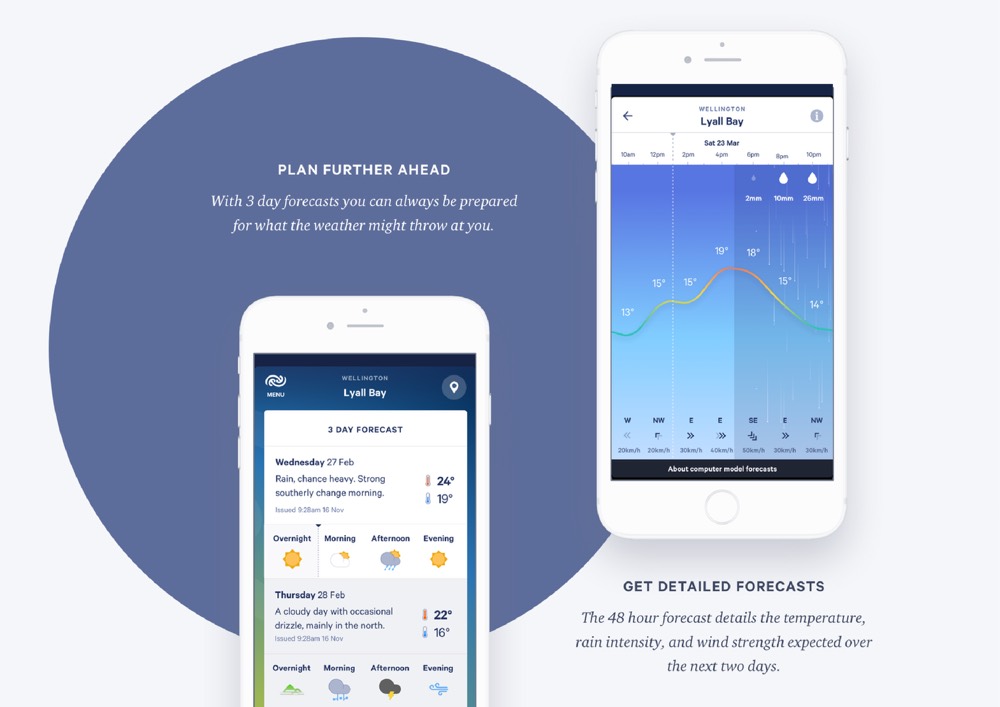
Components built to recombine: highly customisable components and layouts, combined into practically unlimited responsive arrangements
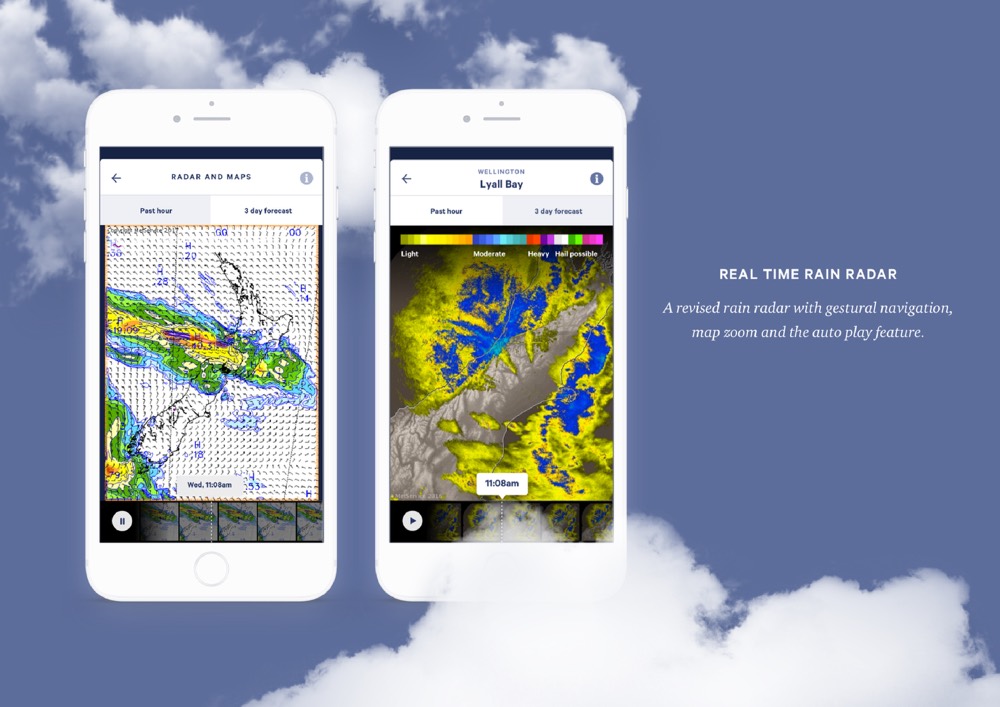
Rather than designing individual screens, we built a set of components and layouts that could be combined in nearly any arrangement across both mobile and desktop, and still hold together. That covered every form the weather data needed to take: temperature charts, maps, weather overlays, radar views, animated timelines and tidal charts.
Design
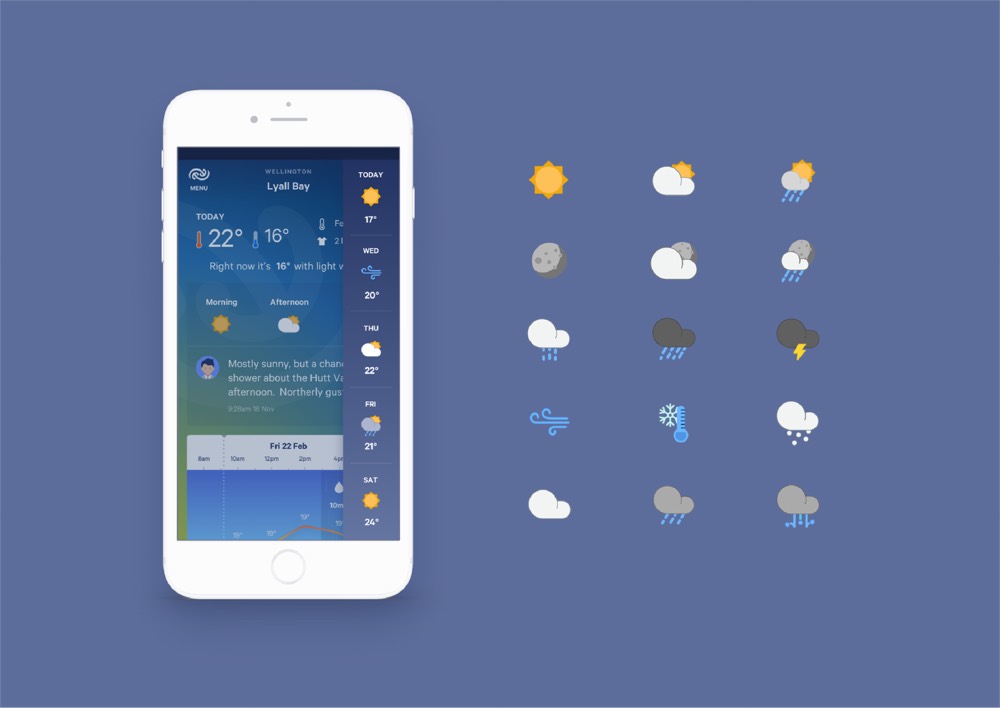
An icon set that outgrew Metservice: now used across other government agencies, not just this one.
Alongside the components, we created a visual language for the data itself, including a weather icon set. It has since been picked up and adopted by other government agencies beyond Metservice, which says more about its clarity than any award could.
User testing
Understandable, and provably so: heuristic evaluations, face-to-face interviews, and full WCAG testing.
All of this visualisation and information architecture work needed a lot of testing to earn its place. We ran heuristic evaluations alongside face-to-face user interviews to check that our visualisation of the data was genuinely easy to understand, not just tidy to look at.
That testing extended to full WCAG compliance, in line with Metservice's mission to serve every New Zealander, not just the ones already comfortable with digital tools.
Accessibility testing ran alongside usability testing throughout, rather than as a check done at the end.